Hoppa till huvud innehåll

BendSim Pro

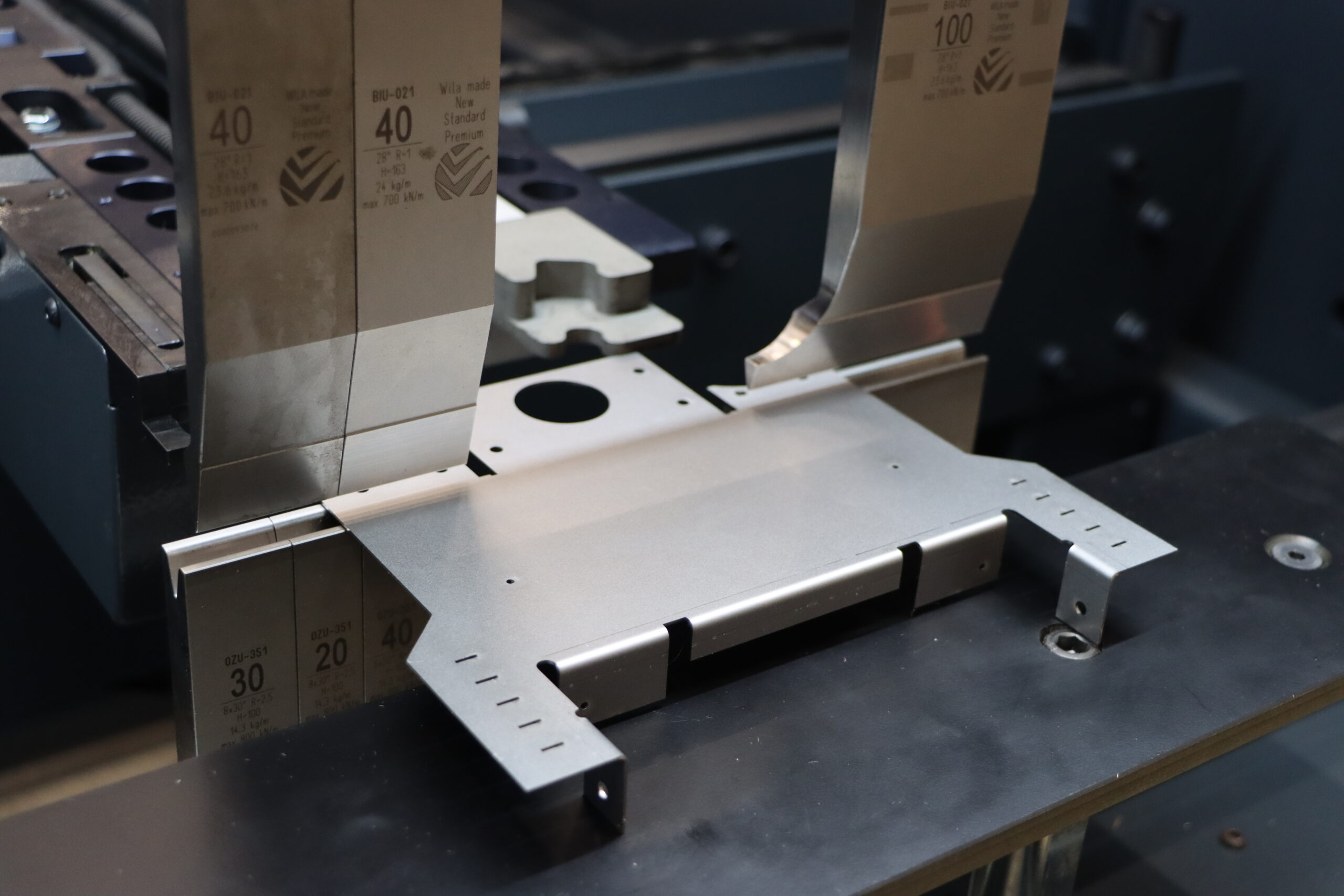
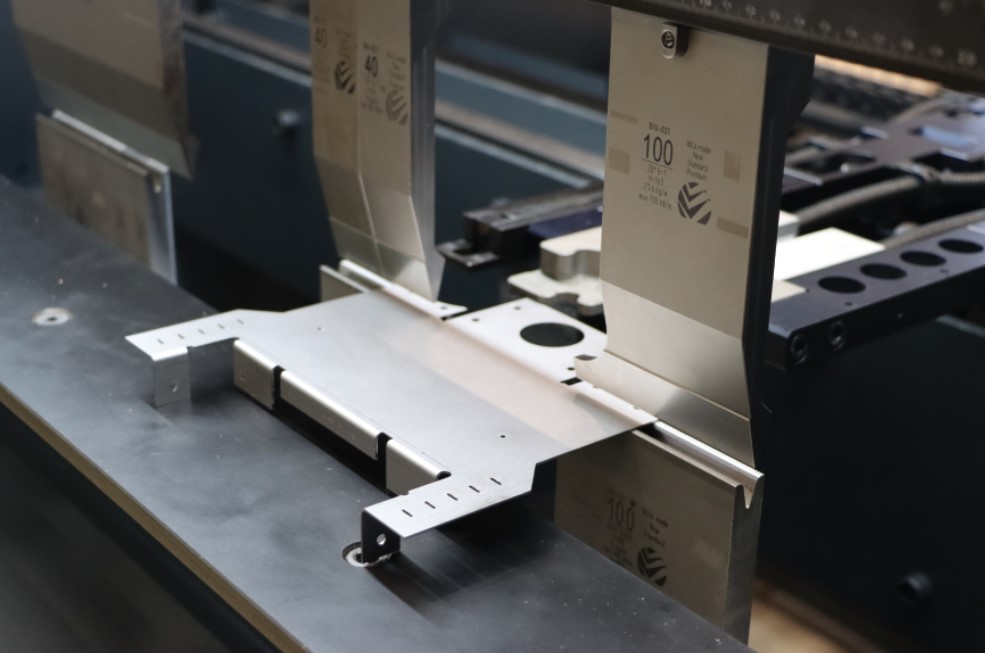
BendSim Pro is software for programming

and simulating press brakes to maximize production efficiency.

Responsiv Trappstegs-layout - Flexibel bredd

Main benefits

  • Reduce machine downtime using offline programming
  • Decrease scrap with confirmed manufaucturability
  • Better "first part right" success
  • Reduce lead times by improving efficiency
  • Increase flexibility of your production
  • Minimize set-up times with clear operator instructions
  • Enable less skilled operators to work with the press brake program all press brakes from the same software
  • Work with industry 4.0 integrations from the same software
Remote support

Features at a glance

  • Import of most major 3D and 2D CAD formats
  • Production based flat pattern calculation
  • Automatic tool selection
  • Automatic bend sequencing
  • Automatic finger stop positioning
  • Automatic tool set-up optimization
  • Generation of reports, who are customizable
  • Support for various machine options (front supports, angle measurement etc)
  • Easily created and maintained machine and material database

Data import

Data import

Being able to work with 3D engineering data is a crucial part of any modern sheet metal production workflow. AutoPOL directly imports most major 3D CAD file formats.

It is not only the 3D model itself that will be imported. Also CAD specific properties will be read. These are maintained with the part throughout the process and can be used downstream for various purposes. For example quoting, planning and analysis.

2D CAD files can also be used by converting the flat pattern into a 3D model.

Read more -- >
Machines

Machines

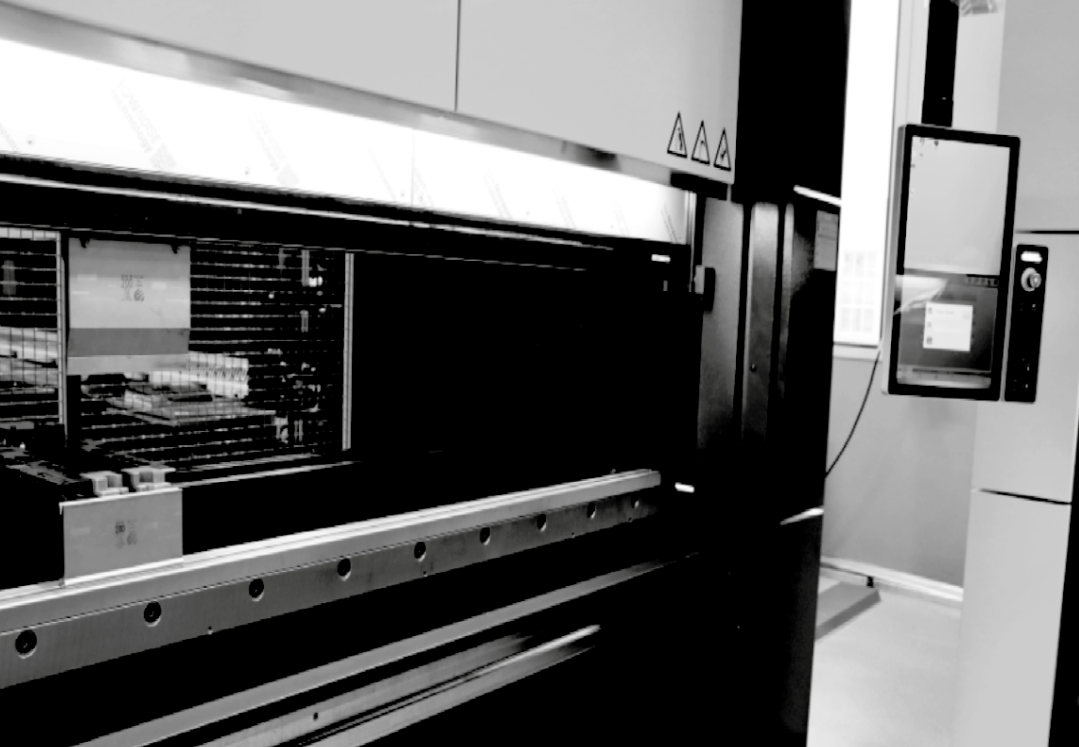
AutoPOL is independent software that supports most brands of press brakes. This means you can program all your press brakes from the same software.

Here is a list with samples of machine brands where AutoPOL is used to program them. Even if your brand is not listed, please reach out to one of our resellers, as more machines are continuously added. Or can be developed…

Accurl, Accurpress, Adira, Aliko, Alpmac, Amada, Automec, Baykal, Beyeler, BLM, Boschert, Bystronic, CBC, Cincinnati, Coastone, Colgar, Colly, Darley, Dener, Deratech, Durma, Dye, Edwards Pearson, EHT, Ermaksan, Farina, Finn-Power, Gade, Gasparini, Gilardi, Gizelis, Han’s, Hilalsan, Hindustan, HSG, Hurco, Hämmerle, Iturrospe, Jean Perrot, JFY, JMT (Durma), Jordi, LAG, LVD, Mecos, Metallkraft, Metfab, Murata, MVD, Newton, Piranha, Placke, Prima Power, Proteck, Pullmax, Ragos, Rico, RMT, Safan, SafanDarley, Salvagnini, Shaanxi Haven, Shenchong, SMD, STR, Trumpf, Ursviken, Vartek, Vicla, Vimercati, Warcom, Weinbrenner, Wysong, Yangli, Yawei

Here are all the different file formats that are included with different packages and which version is currently supported. With AutoPOL Bendsim and Bendsim Pro you can convert flat patterns with bend lines into 3D files from the 2D files mentioned below. AutoPOL files (.polp) created and saved with Bendsim Pro / Unfold Pro cannot be opened with Bendsim / Unfold (non-Pro versions).

* 3DExperience (Catia V6) users should export their database objects as Catia V5 CATParts/CATProducts

Industry 4.0 & Connectivity

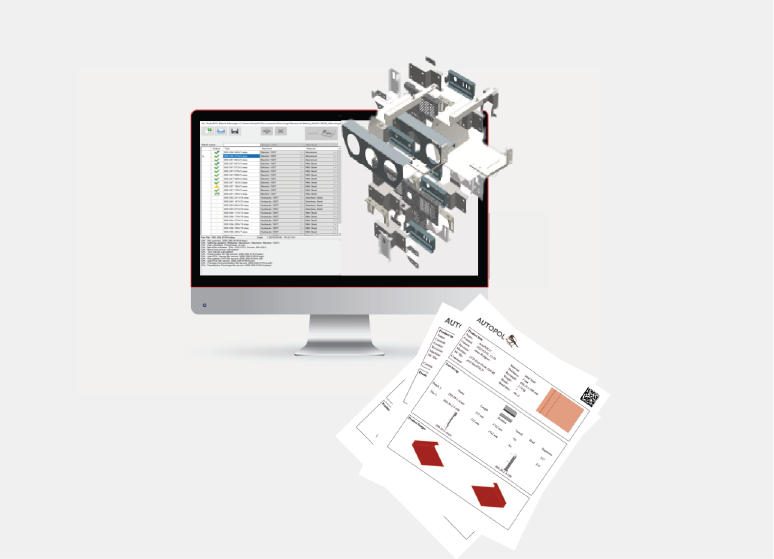
AutoPOL fits well in an Industry 4.0 environment. With the Industry 4.0 Data Sharing protocol any software system can extract information and data from AutoPOL. This can be, for example, part information or properties from the imported CAD file. This data can then be used for quoting, planning, analysis, or anything else you can imagine.

Read more -- >

Available in two tiers

BendSim is available in two different product tiers, a standard and a Pro version, to suit different needs and budgets. This way the small company with maybe just one press brake for internal use to the large manufacturer with many different machines in an Industry 4.0 integrated factory can find a suitable solution.
You can compare the two tiers, BendSim & BendSim Pro
Read more -- >

System integrators can easily extract data and graphics from AutoPOL files. That is done using a simple and well-documented protocol that gives access to part specific data along with manufacturing data. So basically anything from material, weight and thickness to cutting lengths, cycle time estimates and tooling used.

Also available are images of the part and flat pattern to use as, for example, previews.

There are even 3D models of the part and flat pattern that can be shown by implementing our free AutoPOL AGX Graphics Viewer into your system.

With all of this made available, it is up to you to imagine and decide what you want to use it for.

But some common functionality that many develop is for example automation of quoting, manufacturability checks, production planning and performance evaluation.

Bendsim Pro ★Bendsim
Add-ons
Add-on batch & remoteOptionalNot available
Add-on designOptionalOptional
Network licenseOptionalNot available
3D file import
StepIncludedIncluded
AcisIncludedIncluded
IgesIncludedNot available
Native CAD filesIncludedNot available
PartsIncludedIncluded
AssembliesIncludedIncluded
CAD propertiesIncludedNot available
2D file import
DXFNot includedNot available
DWGNot includedNot available
3D file export
StepIncludedNot available
AcisIncludedNot available
2D file export
DXFIncludedIncluded
GEOIncludedNot available
General
Industry 4.0 datasharingIncludedNot available
Custom propertiesIncludedNot available
DimensionIncludedNot available
Process wizardIncludedIncluded
Production file generationAutomatedIncluded
Process documentationIncludedIncluded
BarcodesIncludedNot available
Shared settingsIncludedNot available
Unfold
Step bendsAutomatedIncluded
Reference/FilmsideAutomatedIncluded
Assembly processingAutomatedIncluded
Bending
Tool selectionAutomatedAutomated
Common bendsAutomatedAutomated
Bend sequencingAutomatedAutomated
Short flange detectionAutomatedAutomated
HemmingAutomatedAutomated
BottomingAutomatedAutomated
Pre-bendsIncludedIncluded
Reverse bendsIncludedNot available
Passive bendsIncludedNot available
Add-bendIncludedNot available
Finger positioningAutomatedAutomated
Finger retractAutomatedAutomated
Tool set-up calculationAutomatedAutomated
Tool set-up storedIncludedNot available
Cycle time estimatesIncludedNot available
Set-up time estimatesIncludedNot available
Full 3D collision detectionIncludedIncluded
Tool libraryIncludedIncluded

Parts:
CAD files containing a single part.

Assemblies:
CAD files containing multiple parts.

CAD properties:
Properties defined in the CAD file will be imported, used and saved with the AutoPOL file for later access.

XGEO:
Trumpf 2D GEO files.

Industry 4.0 data sharing:
A protocol to extract information from AutoPOL to be used in integrations with various software systems.

Custom properties:
The capability to set Custom Properties of the file/part and use that information later in the process.

Dimensioning:
Simple annotation tool usable on the part or flat pattern.

Number of machines:
How many machines that are allowed in the library.

Number of postprocessor:
How many different post processors / controller output types that are available. If limited, which one is selected by the user.

Shared setting:
The possibility to share settings between different user over, for example, a company network.

Angle measurement:
Programming and simultaion of laser angle measurement systems. Availability varies with different controls.

Front supports:
Programming and simultaion of front supports. Availability varies with different controls.

Integrated hemming table:
Programming and simultaion of hemming integrated into the die holder/clamping system. Availability varies with different controls.

Step bends:
The capability to transform a large radius bend into step bends.

Reference/filmside:
The capability to set and indicate the reference/filmside of a part.

Assembly processing:
The capability to filter out sheet metal parts from an assembly, based on CAD Properties, and separate them to individual processes.

Responsiv Trappstegs-layout - Flexibel bredd

Batch & Remote

Add-on

An add-on that enables you to automate the processing of parts or assemblies and connect your own software systems to remote control or extract data from AutoPOL.

Read more -- >
Design

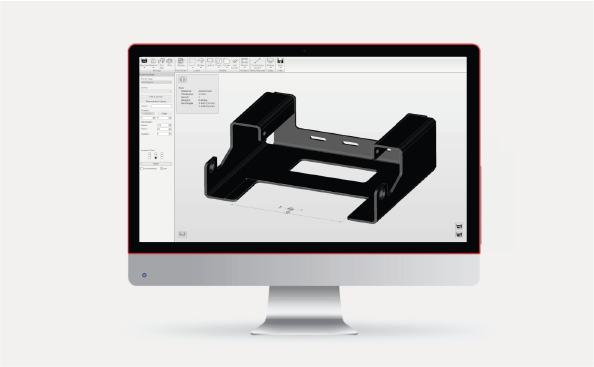
A 3D design tool for simple sheet metal parts, such as brackets, boxes and profiles. This a suitable add-on for those who need a simple way to create basic 3D sheet metal parts.

Read more -- >